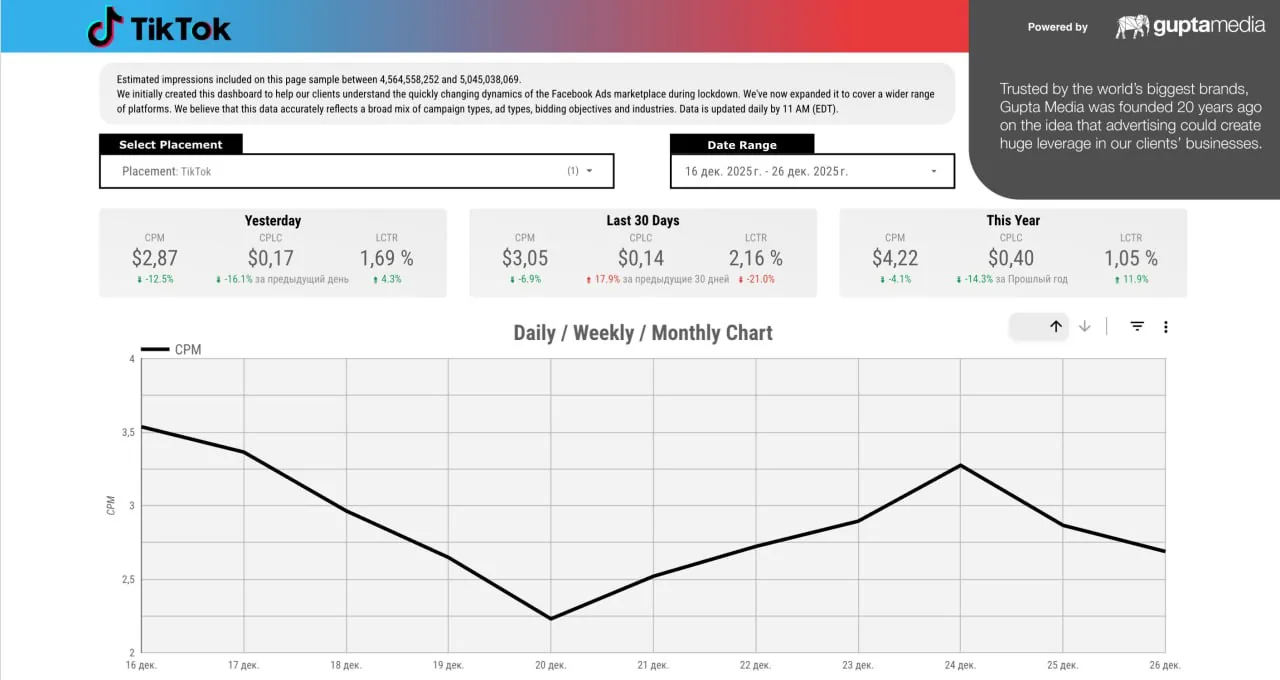
Gaming campaign reporting dashboards

What this page covers
Gaming campaign reporting dashboards
Gaming campaigns move fast, and it can be hard to see which ideas really move the needle. Reporting dashboards turn scattered campaign data into a clear, live picture you can actually act on.
With a focused view of each campaign, you can quickly see what happened, what worked, and where to adjust next, without digging through raw numbers, screenshots, or disconnected reports across platforms and regions.
In brief
- Use a single, always-on dashboard that unifies creator, platform, and in‑game performance so you can see which campaigns, waves, and partners really drive your KPIs, not just views or clicks.
- Drill into formats, regions, and creators, compare results side by side, and use those insights to refine briefs, budgets, and future launches with more confidence and less guesswork.
- Connect post‑campaign analytics to business outcomes like wishlists, pre‑orders, sales, and in‑game revenue so it’s easier to defend, optimize, and grow your influencer and in‑app ad spend.
What to do
Gaming campaign reporting dashboards turn fragmented creator, media, and in‑game data into a clear, comparable view of performance. Instead of juggling screenshots and vanity metrics, you get standardized tracking across creators, formats, and platforms, mapped to the KPIs your studio actually cares about. After each campaign, you can see which influencers, creatives, and messages drove meaningful actions, not just impressions, and how every wave contributed to wishlists, pre‑orders, or revenue.
For performance‑oriented teams, dashboards make it easier to spot patterns and act quickly. You can see pacing, cost, and results in one place, highlight top‑performing creators, and identify underperforming segments before budgets are exhausted. As more spend moves into in‑app and creator channels, this level of visibility helps you refine targeting, double down on what works, and justify investment versus other launch activities or UA channels.
Dashboards can also incorporate privacy‑aware data strategies. As the ecosystem moves away from granular behavioral tracking, you can blend first‑party signals with zero‑party data that players willingly share in exchange for value, such as in‑game rewards or premium content. With a consistent reporting framework in place, regional teams can run their own creator efforts while still rolling up into a single, comparable view for global stakeholders and leadership.
What to keep in mind
Reporting dashboards are most effective when campaigns are set up with tracking and KPIs in mind from the start. If creators are activated without standardized links, promo codes, or clear goals, post‑campaign analytics will skew toward vanity metrics and make it hard to see who actually drove results. Teams need to align on what counts as success, such as wishlists, pre‑orders, sales, retention, or engagement, and ensure every activation is tagged accordingly.
Dashboards also can’t fully close gaps caused by privacy changes or missing data. As platforms limit user‑level tracking, you may need to lean more on modeled impact, zero‑party data, and directional signals rather than perfect attribution. For complex, multi‑wave launches across PC, console, and mobile, expect some effort to harmonize data from regional teams, agencies, and tools before everything becomes truly comparable.
These systems work best for brands willing to standardize reporting, invest in consistent creator and media tracking, and revisit their measurement framework as the in‑app and influencer landscape evolves. When that foundation is in place, dashboards become a practical way to monitor performance, support faster decisions, and keep stakeholders aligned on what is really driving growth.